 StylBar ConnexionJoin StylBar
Last Updated: November 22, 2026
Quick Summary
Managing client bookings outside salon hours means building a repeatable four-stage workflow, capture, qualify, confirm, and protect, so late-night inquiries become confirmed appointments without you lifting a finger. Route every request into one central booking system, send automatic confirmations, and require deposits to protect your calendar.
- Route every booking inquiry into a single central appointment book so nothing slips.
- Let simple services self-book while complex services request a consultation first.
- Publish response hours on your Instagram bio, voicemail greeting, booking page footer, and auto-reply.
- Set two reminders as standard: one at 24 hours out, one at 2 to 3 hours out.
- Track five monthly numbers, including after-hours conversion rate and abandonment, and review them on the first of each month.
Table of Contents
- Why After-Hours Bookings Decide Your Weekly Revenue
- Building an After-Hours Workflow From Inquiry to Confirmed Booking
- What a Salon Booking Confirmation Message Must Include
- Salon Appointment Reminders That Cut No-Shows
- Writing a Salon Cancellation Policy Clients Actually Respect
- Choosing Salon Appointment Scheduling Software for Off-Hours Demand
- Handling Complex Requests and Setting Message Boundaries
- How to Review Your After-Hours Booking Performance
- Frequently Asked Questions
Why After-Hours Bookings Decide Your Weekly Revenue
Most salon owners check their phone at 9pm and find three missed booking inquiries. By morning, two of those clients have already booked elsewhere. Managing client bookings outside salon hours is the difference between capturing that demand and losing it to the salon that answered first.
Your chair only earns money when it is occupied, but your booking window never closes. A client who discovers your work at 11pm wants to book then, not wait until you open.
Every unanswered direct message or voicemail is a booking inquiry that cools. Inquiries often arrive outside opening hours.
Below, we break down the complete after-hours workflow, from first inquiry to confirmed appointment, plus how to set boundaries, protect your calendar, and measure whether it works.
Building an After-Hours Workflow From Inquiry to Confirmed Booking
An after-hours booking workflow is a repeatable process that turns a late-night request into a confirmed appointment without you lifting a finger. It has four stages: capture, qualify, confirm, and protect.
Step 1: Capture Every Inquiry in One Inbox
The biggest mistake we see is scattered booking inquiries. A text here, an Instagram DM there, a voicemail nobody checks. When client requests live in five places, something always slips.
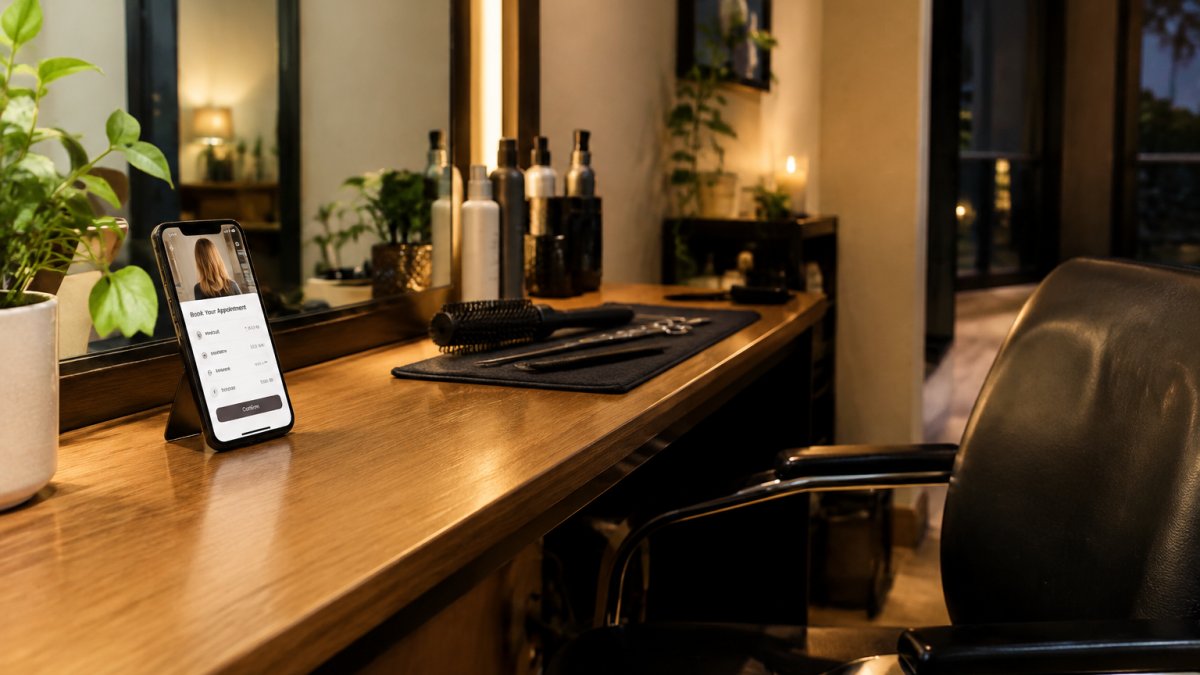
Route everything into a single booking system: link your booking page in your Instagram bio, set an auto-reply on social messages pointing to it, and add it to your voicemail greeting.
Watch out: if your auto-reply only says "we'll get back to you," clients will keep messaging other salons.
Step 2: Qualify Requests That Cannot Be Self-Booked
Not every appointment should go straight into your calendar. Color corrections, bridal parties, extensions, and multi-service appointments often need a consultation or a deposit before they are confirmed. If you let these book themselves, you risk long appointments that run over and clients who arrive expecting something you did not quote.
A common pattern is to set a rule: simple services self-book, complex services request a consultation. State that rule on your booking page so clients know which path applies to them.
Step 3: Confirm Automatically, Then Personally
Instant confirmation keeps momentum. When a client books at midnight, an automatic confirmation tells them their slot is held, that immediate response converts a browsing follower into a booked client.
Step 4: Protect the Calendar With Deposits and Rules
An open calendar invites no-shows. Consider requiring a deposit at booking and setting clear rules on how much notice a cancellation needs. This protects your revenue and filters out clients who were never serious. Booking security is not about distrust; it is about respecting your own time.
Set Response-Time Boundaries for Texts, Calls, and Social Messages
After-hours booking only works if clients know when to expect a human reply.
Publish your response hours everywhere a client might message you: your Instagram bio, your voicemail greeting, your booking page footer, and your auto-reply. A simple line works: "Bookings are confirmed instantly online.
Then hold the line. Reserve actual replies for business hours. You are not being rude; you are protecting the focus your chair work demands.
Watch out: if you answer one late-night text, clients learn that late-night texts work. Consistency is what makes the boundary credible.
What a Salon Booking Confirmation Message Must Include
A salon booking confirmation message must state the date, time, service, stylist, location, deposit paid, and cancellation policy in one clear message. It removes ambiguity and sets expectations before the client walks in.
Here is a template you can adapt:
Hi [Name], your [service] with [stylist] is confirmed for [date] at [time] at [location]. A deposit of [amount] is on file. Need to change it? Please give at least [notice window] notice. See you soon.
Send it automatically at booking, then again as a reminder. The confirmation is your first chance to look organized and professional, and it doubles as your policy delivery, so put the cancellation terms right in it.
Salon Appointment Reminders That Cut No-Shows
Salon appointment reminders are the cheapest way to protect your weekly revenue. A reminder a day before and again a few hours before gives clients a chance to reschedule instead of simply not showing up.
Set two reminders as standard: one at 24 hours out, one at 2 to 3 hours out. The first catches scheduling conflicts while there is still time to rebook the slot.
For deeper tactics on protecting revenue when clients do not show, read our guide on how to handle client no-shows without losing revenue.
Writing a Salon Cancellation Policy Clients Actually Respect
A salon cancellation policy works when it is short, specific, and enforced every time. Vague policies get ignored. Clear ones get respected because clients understand exactly what happens if plans change.
Include these elements:
- The notice window required to cancel or reschedule without a fee
- What happens to the deposit if the window is missed
- How the client can reschedule, and through what channel
- A note that repeat no-shows may require prepayment
State it at booking, in the confirmation message, and in the reminder. Consistency is what makes it stick. A common mistake is enforcing the policy only sometimes; clients quickly learn which rules are real.
Choosing Salon Appointment Scheduling Software for Off-Hours Demand
The right salon appointment scheduling software is the one that lets clients book without you, shows your real availability, and holds every request in one central calendar.
When you evaluate options, focus on how the software behaves at 2am, not how it looks in a demo. Can a new client see open slots and book instantly?
StylBar Connexion offers 24/7 scheduling capabilities. Every post shared in your integrated, bookable portfolio becomes a direct booking opportunity, so a follower who sees your work at night can book on the spot.
What to Compare Before You Commit
Before you commit to any booking system, run through this checklist:
- Can clients self-book outside your opening hours without messaging you first?
- Does the tool send automatic confirmation and reminder messages?
- Can you set granular availability, including blocked times and buffer gaps?
- Does it support deposits to protect against no-shows?
- Can you manage stylist availability and staff scheduling if you share space?
- Does it handle rescheduling and cancellations without back-and-forth?
- Is there a setup guide so you are not figuring it out mid-shift?
If you are weighing options, our guide to choosing booking software for beauty pros walks through the comparison in detail. And if the learning curve worries you, the salon booking software setup guide shows how to get running without disrupting your chair time.
| Consideration | What to Check | Why It Matters |
|---|---|---|
| After-hours access | Client self-booking outside opening hours | Captures late-night inquiries |
| Confirmation | Automatic messages on booking | Converts requests into kept appointments |
| Availability control | Granular blocking and buffers | Prevents 2am bookings you did not want |
| No-show protection | Deposit collection at booking | Protects weekly revenue |
| Central calendar | All requests in one view | Cuts administrative workload |
Handling Complex Requests and Setting Message Boundaries
Not every booking can be self-served, and that is fine. Color corrections, bridal parties, and multi-service appointments often need a conversation first. Route those requests into a clear intake form rather than an open text thread.
Set boundaries for how and when you respond: let clients know your response hours, keep an auto-reply on texts and social messages pointing to the booking page, and reserve actual replies for business hours.
A bookable portfolio lets clients self-serve around the clock. StylBar Connexion's bookable portfolio is built so that every post becomes a booking opportunity.
How to Review Your After-Hours Booking Performance
You cannot improve what you do not measure. Most salon owners track total bookings but never separate after-hours demand from in-hours demand, so they cannot tell whether their overnight system works. A simple measurement framework fixes that.
The Five Numbers That Matter
Track these monthly, and keep them in a simple spreadsheet or your booking software's dashboard:
- After-hours inquiries: how many booking requests arrive outside your opening hours. This tells you the size of the demand you are capturing.
- After-hours conversion rate: the share of those inquiries that become confirmed appointments. A low rate points to a confusing booking page, slow confirmation, or unclear service descriptions.
- Abandonment: how many clients start a booking and leave before confirming. High abandonment usually means too many steps, unclear pricing, or a required account creation.
- Cancellations and no-shows: the share of after-hours bookings that cancel late or fail to show. This tells you whether your deposit and reminder rules are working.
- Rebooking rate: the share of after-hours clients who book a second appointment. This is the clearest sign that the experience matched the promise.
How to Read the Numbers
Review monthly and compare month over month rather than against a single target. High inquiries with low conversion means your booking page or confirmation flow needs work. High conversion with climbing no-shows means tighten deposits and reminders. Low rebooking usually points to the in-salon experience, not the booking system.
A Simple Monthly Review Routine
Set aside 20 minutes on the first of each month. Pull the five numbers, write one sentence on what changed, and pick one fix for the coming month.
For the broader case for round-the-clock access, our breakdown of the benefits of 24/7 online booking for beauty pros connects the numbers to your daily operations.
Managing client bookings outside salon hours is not about being available every minute.
Your chair should not go empty because a client messaged after you closed.
Frequently Asked Questions
How can I take salon bookings after hours without being available 24/7?
Separate booking access from response time. Let clients book through your 24/7 scheduling, then tell them when a human will reply to questions. Set your booking window to the hours you accept appointments, not the hours you are awake. That way salon bookings keep coming in overnight while your phone stays off, and you start the next day with a filled calendar instead of a queue of messages.
What should my salon cancellation policy say to reduce late cancellations?
State the notice window and how clients cancel, in plain language. Keep the wording short enough to read on a phone, and apply it consistently, because a salon cancellation policy only works when clients see it enforced the same way every time.
Can I stop clients from booking at 2 AM if I offer online scheduling?
StylBar Connexion offers 24/7 scheduling capabilities, which lets clients book around the clock. Whether you can restrict booking times to the hours you choose depends on the scheduling options you configure.
How do salon appointment reminders help with after-hours bookings?
Salon appointment reminders close the gap between a booking made at night and a client who shows up days later.
